Website maintenance and support.
At We Create Digital, we offer comprehensive proactive and reactive website maintenance and support services to ensure that your site remains secure, functional, and up-to-date. Whether your website is built on WordPress, Laravel, Magento / Adobe Commerce, or a custom platform, we provide tailored support packages that cater to your unique needs.

Why website maintenance is crucial.
Regular website maintenance ensures that your site remains in top shape, preventing issues before they arise. Outdated software, plugins, or security vulnerabilities can compromise your site’s performance and user experience. Our maintenance services include routine updates, security scans, and performance checks to keep your website running smoothly.
We handle all the technical aspects, from core updates to plugin management. Regular software updates are essential to avoid compatibility issues and security breaches. With our support, you can rest assured that your website is protected from potential threats, and that updates are carried out without disrupting your operations.
Website audits and reviews.
We offer a free, comprehensive audit to assess situations like websites or web solutions, providing valuable insights for clients with limited in-house coding expertise. The audit helps pinpoint issues, such as broken features, slow site speed, or poor user experience, and provides a general health check for the site, helping to identify root causes and improvement areas. This service is ideal for clients looking for a professional evaluation without the need for deep technical knowledge.

Daily backups and recovery.
We provide daily backups of your website, ensuring you can restore it to its previous state if any issues arise. In addition to this, we offer a range of other tools to monitor your site, helping to keep track of performance, security, and any disruptions. This way, your data remains safe, and any potential problems can be quickly addressed.

Speed optimisation.
Website speed is a critical factor in user experience and SEO rankings. Our team continuously monitors and optimises your website’s performance to ensure it loads quickly and efficiently, even with heavy traffic. By reducing load times, we help enhance customer retention and satisfaction.
Ongoing support.
We carry out scheduled updates and upgrades to keep your website secure, fast, and reliable. Every digital system evolves over time: new technologies are released, vulnerabilities are discovered, and performance standards rise. Regular maintenance ensures your website continues to meet these standards and doesn’t fall behind.
What we update and why
Updates can include a mix of:
- Software updates such as content management systems (for example, WordPress core updates)
- Server or language upgrades such as moving to newer PHP versions
- Plugin, module, or dependency updates that fix bugs or add improvements
- Infrastructure changes such as database or hosting environment updates
Each type of update helps maintain compatibility, close security gaps, and take advantage of performance and stability improvements.
How often we do it
We typically review and apply updates every few months, depending on your setup and risk profile. For example:
- A WordPress site might be updated quarterly to keep plugins and themes current
- A PHP version upgrade might happen once or twice a year after compatibility testing
This schedule allows us to stay proactive without introducing unnecessary risk or disruption.
The value of staying current
Regular upgrades and updates ensure:
- Ongoing security protection against known threats
- Faster performance through optimised code and infrastructure
- Compatibility with modern browsers, devices, and integrations
- Reduced technical debt and lower long-term maintenance costs
In short, keeping your systems up to date prevents small issues from turning into major problems and ensures your website continues to run smoothly and securely.
Our team is always available to support you with any queries or changes you need. Whether you’re looking to update content, add new features, or require troubleshooting, we’re here to help. With our ongoing maintenance services, you can focus on growing your business while we take care of the technical details.
Get in touch
Ensure that your website stays secure, fast, and functional with our dedicated maintenance and support services. Contact us today to discuss how we can help you maintain a seamless online presence.
Take a look at our projects.
 Find out more about:
Client name withheld at their request.: Website redesign and rebuild
Find out more about:
Client name withheld at their request.: Website redesign and rebuildClient name withheld at their request.
Website redesign and rebuild.
- Accessibility
- Web design
- Web development
 Find out more about:
Crossroads Care Northern Ireland: Website redesign and rebuild
Find out more about:
Crossroads Care Northern Ireland: Website redesign and rebuildCrossroads Care Northern Ireland
Website redesign and rebuild.
 Find out more about:
Gibbons Engineering Group: Website redesign and rebuild
Find out more about:
Gibbons Engineering Group: Website redesign and rebuildGibbons Engineering Group
Website redesign and rebuild.
- Web design
- Web development
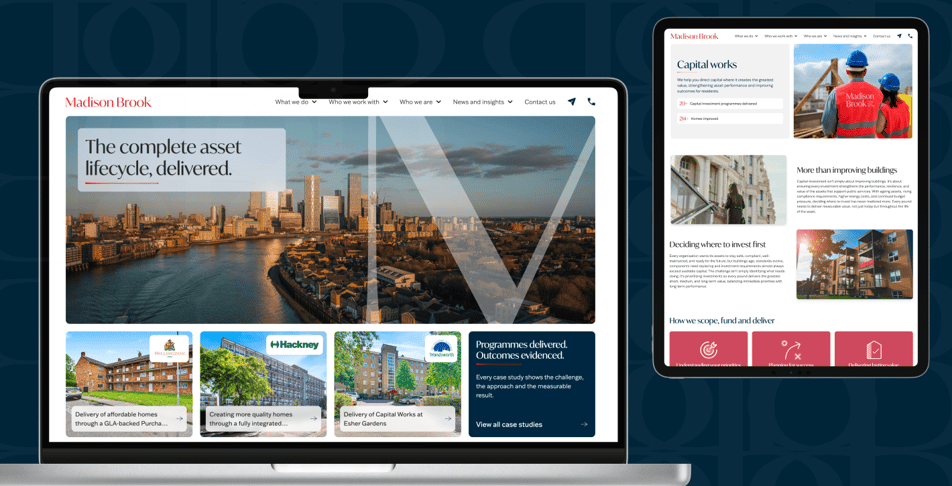 Find out more about:
Madison Brook: Website redesign and rebuild
Find out more about:
Madison Brook: Website redesign and rebuildMadison Brook
Website redesign and rebuild.
- Accessibility
- UX
- Web design
- Web development
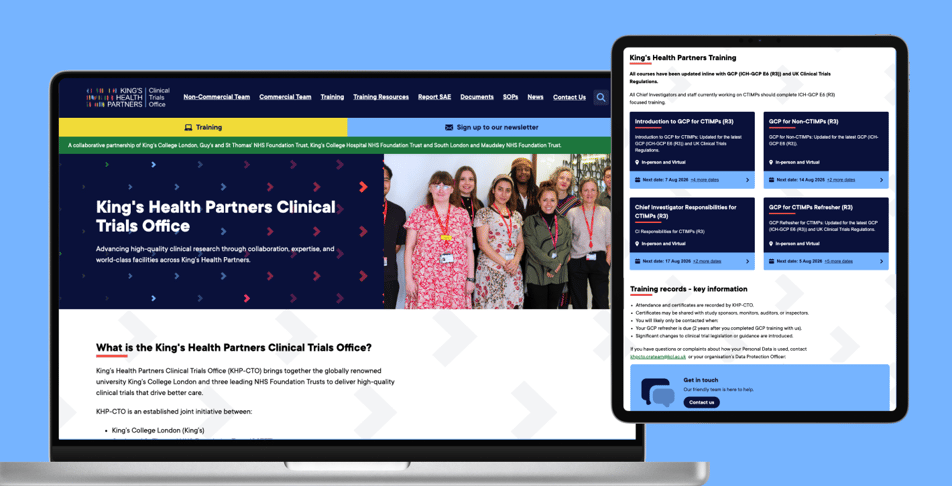 Find out more about:
The King’s Health Partners Clinical Trials Office: Website redesign and rebuild
Find out more about:
The King’s Health Partners Clinical Trials Office: Website redesign and rebuildThe King’s Health Partners Clinical Trials Office
Website redesign and rebuild.
- Accessibility
- Support and maintenance
- Web design
- Web development
 Find out more about:
Rofinery: SaaS platform
Find out more about:
Rofinery: SaaS platformRofinery
SaaS platform.
- AI
- Web development
More than a decade of trusted relationships







Website support FAQs.
Below you’ll find answers to common questions about our website support services. These cover how our support works, what’s included, and how we help keep websites secure, accessible, and performing at their best.
Our core expertise covers WordPress,Laravel, and Magento/Adobe Commerce. We also support modern frameworks such as TypeScript, React, and React Native, as well as custom-built websites – whether developed by us or inherited from another team. The support we offer includes maintaining code quality, handling updates, improving performance, and ensuring long-term stability.
Yes. Another agency can take over your website maintenance, even if it didn’t build the site. The new agency will need access to your hosting, domain, content management system and code. It should start with an audit to find any outdated software, security risks or missing backups before taking responsibility for the website.
A good handover starts with gathering access, so ask your current provider for hosting and domain credentials, admin logins and any code repository. Check for third-party services too, such as payment gateways, email platforms and analytics. The audit should cover the platform and PHP versions, plugins, backups and security. Inherited websites often have problems that have gone unnoticed for months, so expect some initial fixes before routine maintenance begins. If you can’t get access from your current provider, check who the domain is registered to, as we explain in be in control of your domain name.
We Create Digital regularly takes over websites built by other agencies, including several brand sites for Clipper Ventures, where long-standing issues were fixed from day one. Get in touch to arrange a handover.
Website maintenance includes keeping the content management system, plugins and server software up to date, monitoring security and uptime, taking regular backups and fixing problems when they arise. Many maintenance plans also include performance checks, technical support and a monthly allowance for small changes, such as content edits or design tweaks.
Updates are the core of most plans, because outdated software is the most common route for attacks. Good maintenance tests every update on a staging copy of the website before it goes live, with a rollback ready if anything breaks. Backups should cover both files and databases, be stored separately from the live site and be tested to confirm they can be restored. Some plans also cover speed optimisation, accessibility checks and broken link monitoring. The WordPress hardening guide sets out the security basics any plan should cover.
We Create Digital’s maintenance plans include proactive updates, security monitoring, daily backups and performance reviews, with optional monthly time for enhancements. Contact us to find the right plan for your website.
Website maintenance in the UK typically costs anything from a small monthly fee for basic updates to several hundred pounds a month for larger or business-critical websites. The price depends on the platform, the size and complexity of the website and how quickly issues need fixing.
The biggest cost drivers are often the number of plugins and integrations and management of the platform (Magento usually needs more work than WordPress).
A website that takes online payments or bookings needs faster response times than a simple brochure site. Plans that include a monthly allowance for content changes or improvements cost more, but they usually work out cheaper than paying for small jobs one at a time. Skipping maintenance can be the most expensive option, because recovering a hacked or broken website costs far more than keeping it up to date.
Yes. Every website needs ongoing maintenance to stay secure, fast and working properly, and someone has to do that work. You can do it yourself if you have the technical skills and time. Most businesses pay a developer or agency, because a neglected website becomes vulnerable to hacking, slows down and eventually breaks as software ages.
Content management systems, plugins and server software are updated regularly to fix security vulnerabilities and bugs. Older versions stop receiving security fixes altogether, which is why PHP versions have published end-of-life dates. Over 11,000 WordPress vulnerabilities were discovered last year, and most attacks exploit problems that already had a fix available, as we explain in your WordPress site is at risk. Website builders such as Wix and Squarespace include maintenance in their monthly fee, but self-hosted websites need it arranged separately.
We Create Digital handles maintenance so you don’t have to. Find out what’s included in our website support plans, or contact us to get started.
A WordPress website should have security updates applied as soon as they’re released, and routine updates to WordPress core, themes and plugins carried out at least every few months. The PHP version the website runs on should be upgraded before it reaches end of life, which typically means a planned upgrade once or twice a year.
Security patches can’t wait, because attackers target known vulnerabilities quickly once they’re published. Larger updates need more care, as plugin conflicts can break layouts or functionality, so they should be tested on a staging site first. PHP upgrades need compatibility testing too, because older themes and plugins may not support newer versions. WordPress lists its recommended PHP version in its hosting requirements, and we explain why upgrades matter in what is PHP, and why does your website need upgrading?
We Create Digital typically reviews and applies WordPress updates quarterly and upgrades PHP after testing on staging, with urgent security patches applied as needed. See our WordPress websites, or talk to us about maintenance.
Website maintenance doesn’t always include hosting, so check what a plan covers. Hosting is the server that keeps your website online. Maintenance is the work of keeping the website’s software, security and content up to date. Some agencies offer both together, while others only maintain websites hosted elsewhere.
Managed hosting usually covers the server itself, including operating system updates, firewalls, monitoring and server backups. It doesn’t usually cover your website’s software, such as WordPress core, plugins or themes, which need separate maintenance. Having both with one provider means a single team can fix problems wherever they occur, without back-and-forth between your host and your developer. Whoever provides your hosting, make sure the account is in your organisation’s name.
We Create Digital offers managed green hosting alongside maintenance, or can maintain your website wherever it’s currently hosted. Get in touch to discuss the right setup.
If your website is down, first check whether it’s down for everyone or just you by testing on another device or network. Then check whether your domain name or SSL certificate has expired and contact your hosting provider to find out whether there’s a server problem. If a recent update caused the outage, restore the latest backup.
The most common causes of a website going down are an expired domain or SSL certificate, a hosting outage, a failed update or plugin conflict, a sudden traffic spike and a hack. Your domain registrar will show the renewal date, and your browser will warn you if the SSL certificate has expired. If you can’t access the admin area, error logs on the server can show what went wrong. Act quickly, because prolonged downtime loses sales and enquiries, and can affect your search visibility if it continues for several days.
If your website is down now, contact We Create Digital or call 01206 696205. Our maintenance plans include uptime monitoring, so problems are picked up before your customers notice.
Latest industry insights.
Read our blog to stay updated on industry trends and developments. We cover useful strategies, share expert opinions, and offer insights that help keep you informed about the latest digital changes.
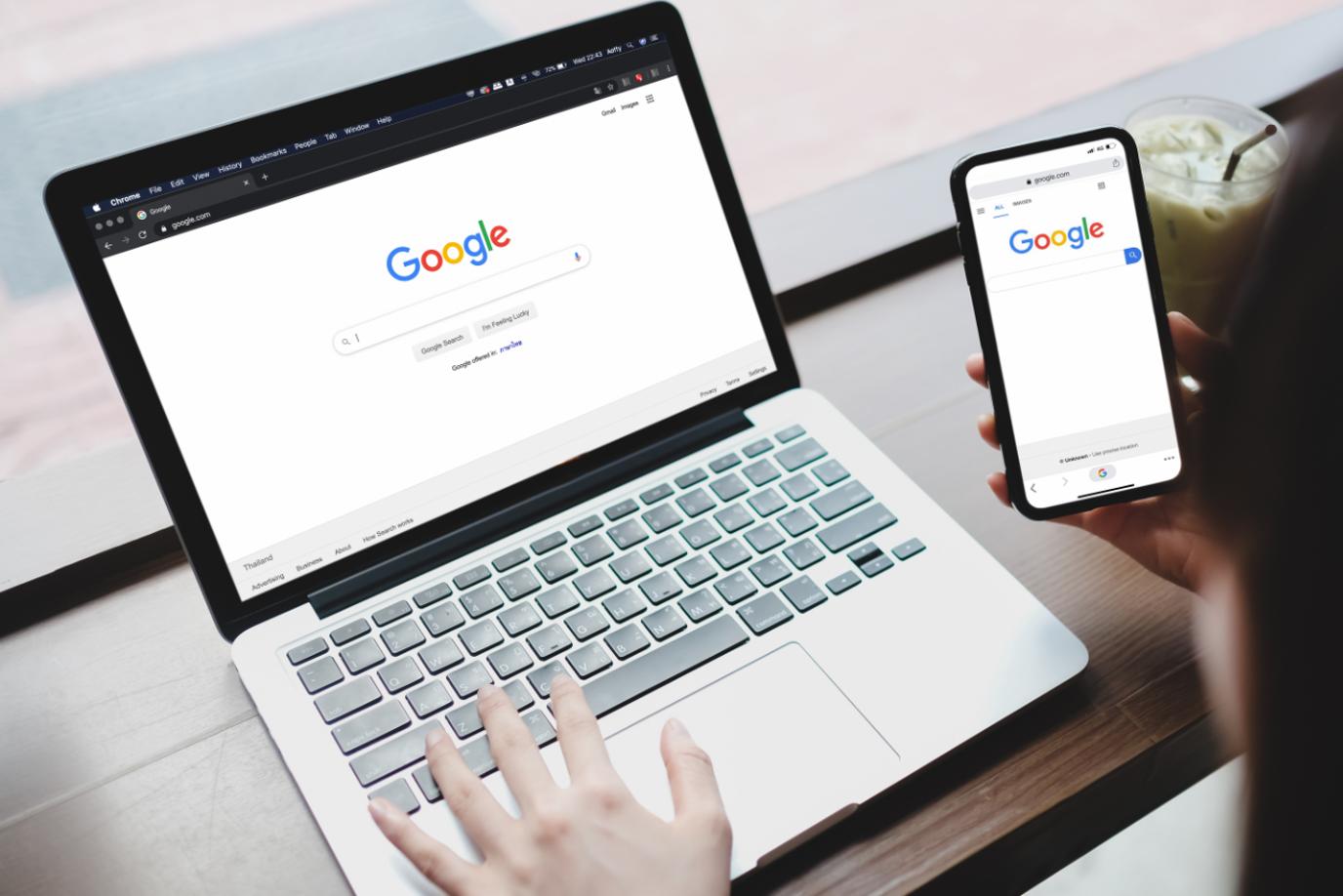
Your ads aren’t the problem. Your website is.
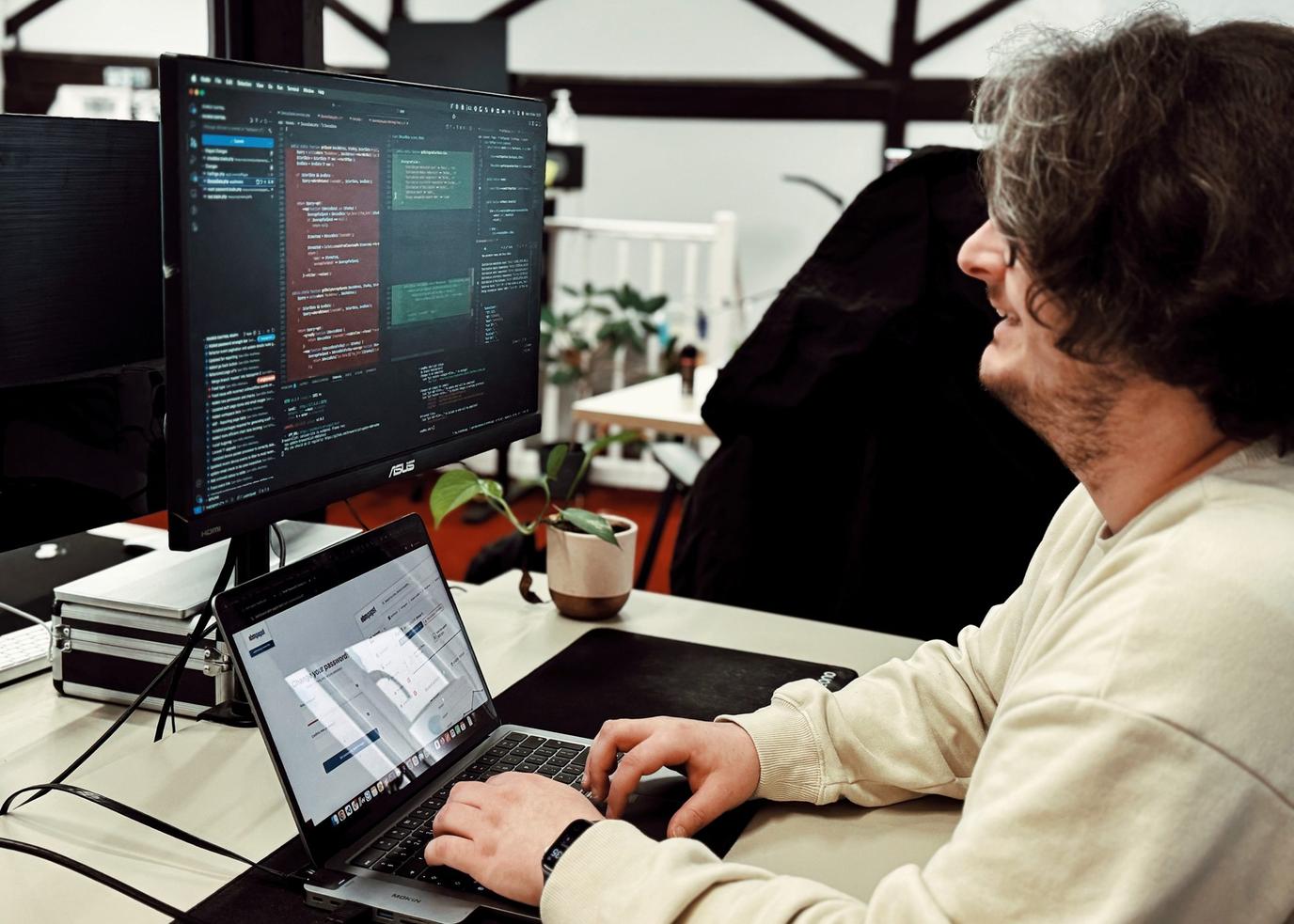
What is PHP, and why does your website need upgrading?