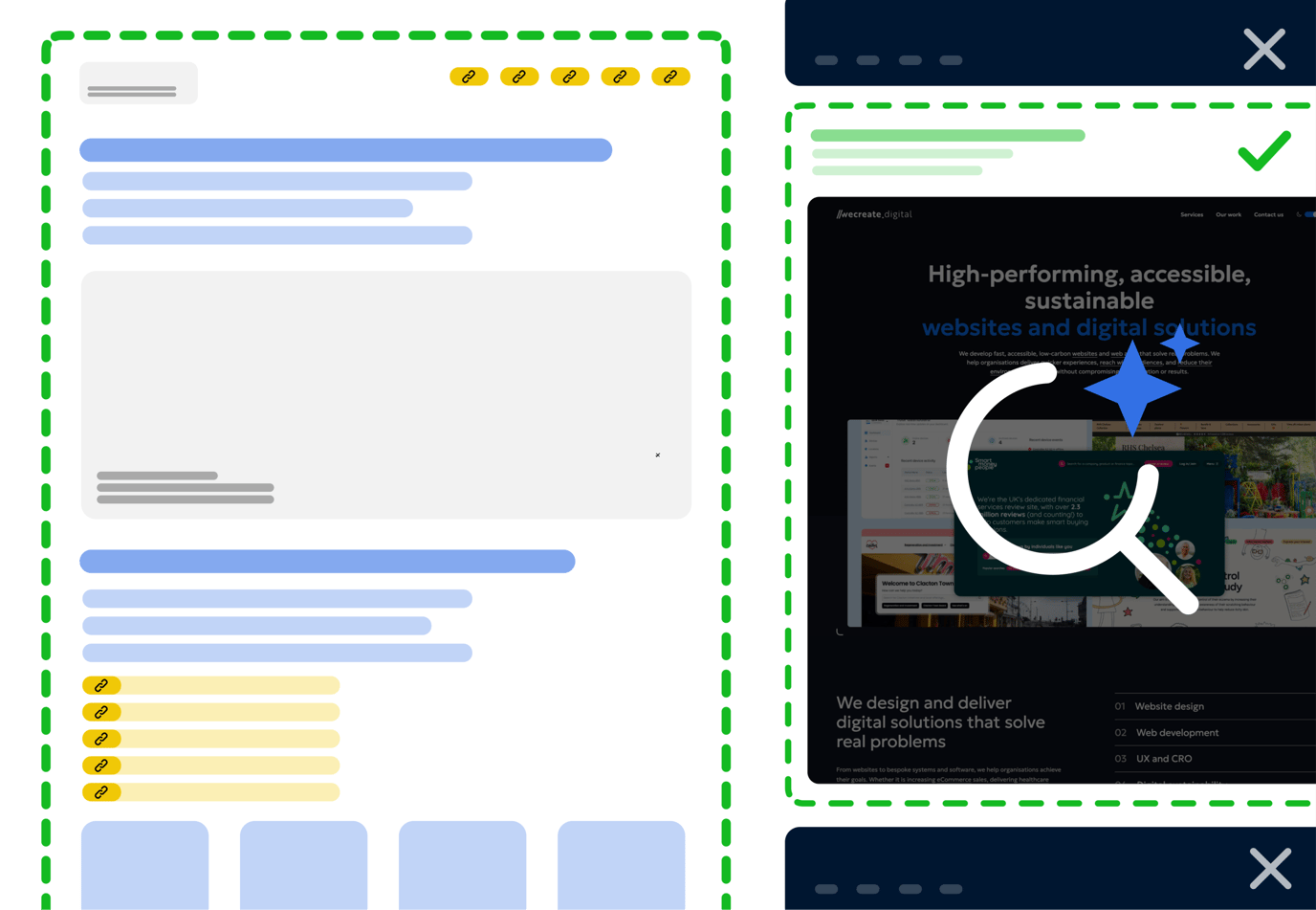
Building a website that’s both scalable and accessible can feel like a trade-off, but it doesn’t have to be.
Building a website that’s both scalable and accessible can feel like a trade-off, but it doesn’t have to be. Tailwind CSS, a utility-first CSS framework, provides a consistent and efficient way to scale design systems while keeping accessibility front and centre.
Why Tailwind?
Tailwind enables developers to build consistent interfaces by keeping their focus on the component they’re working on, without needing to switch between multiple files. It reduces reliance on custom CSS by providing utility classes that map directly to CSS properties. This makes it easier to:
- Maintain consistent spacing, typography, and layout
- Apply responsive design without writing media queries
- Reuse components across projects without introducing conflicts
Accessibility by default
Tailwind doesn’t solve accessibility for you, but it supports accessible development by making it easier to implement best practices:
- Semantic markup: Tailwind works with your HTML, so you’re not forced into non-semantic component structures
- Focus states: easily style focus-visible and focus-within states to improve keyboard navigation
- Contrast control: Tailwind’s colour palette includes contrast-safe defaults and supports dark: variants for accessible dark mode
- Screen reader utilities: classes like sr-only and not-sr-only allow for visually hidden content that remains accessible to assistive technologies
It’s important to recognise that accessibility isn’t a limitation, it’s an advantage. Prioritising accessible design helps you reach more users, meet legal and ethical standards in some contexts, and creates a more inclusive experience. There’s a misconception that accessibility compromises design or development, but in reality, it supports your organisation’s goals by removing barriers and improving overall usability for everyone.
Scalable design systems
Tailwind supports scalability through:
- Design tokens via config: your design system lives in tailwind.config.js, enabling consistent use of spacing, font sizes, colours, etc
- Componentisation: combine utility classes with Blade components or frontend frameworks like Vue or React for reusable building blocks
- Custom variants: define your own responsive breakpoints, pseudo-classes, or accessibility-focused utilities
- Plugins: extend functionality with community plugins or build your own to match your internal standards
Final thoughts
Tailwind CSS isn’t just about speeding up frontend work. When used thoughtfully, it becomes the backbone of a scalable design system that respects accessibility from the ground up. By codifying design decisions in configuration and using utilities to apply them consistently, you reduce the gap between design, development, and user experience.
https://tailwindcss.com/
Tailwind CSS