Plugins are often the fastest way to add functionality to a WordPress site, which is why they’re so easy to overuse. This post explores why a plugin-first mindset can cause long-term problems, and how to strike a healthier balance.
Plugins are one of WordPress’s greatest strengths, but also one of its biggest risks. They promise quick wins: add a feature, fix a problem, improve performance, all without touching code or needing the support of a developer. When you’re busy, under pressure, or just trying to get something working, installing a plugin feels like a sensible option. A few clicks and the job’s done. But over time, that “easy fix” mindset can create fragile, bloated websites that rely far too heavily on things you don’t actually control.
Why plugins are so tempting
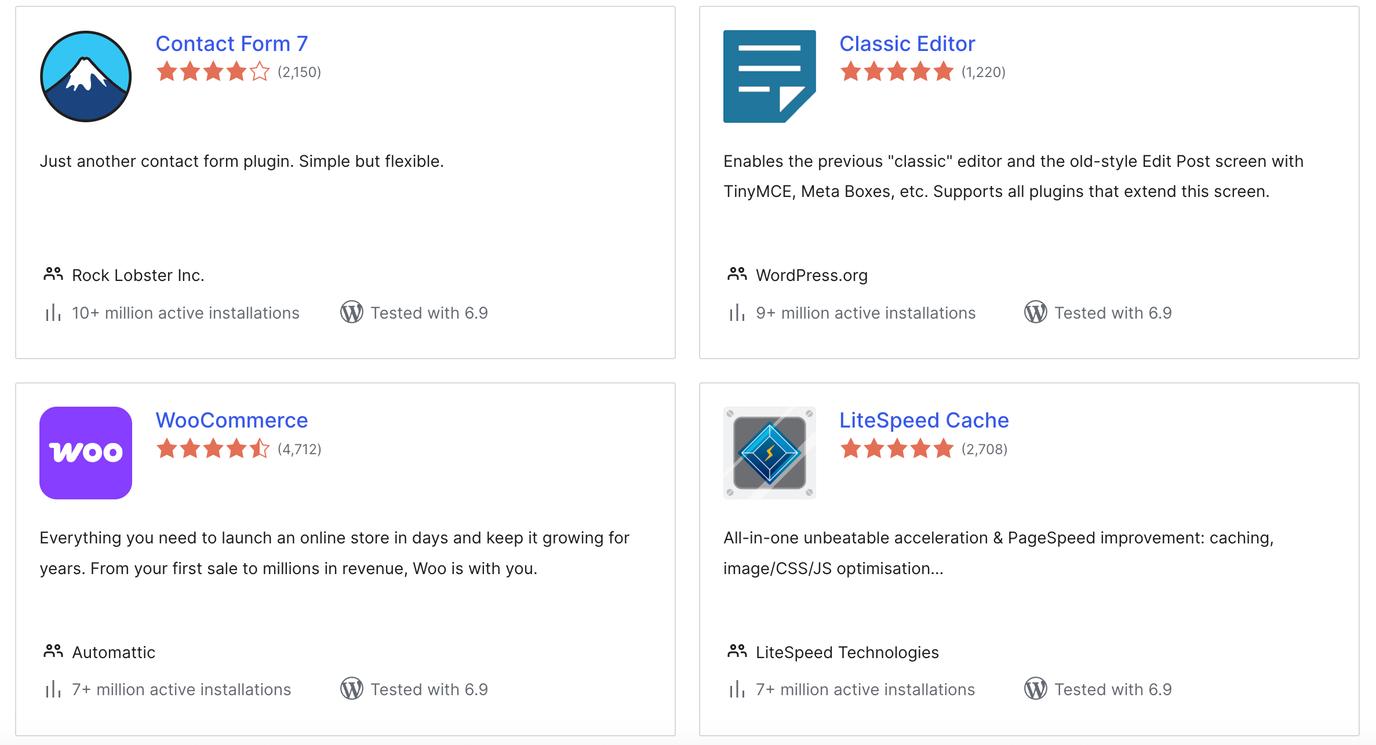
It’s easy to see why plugins are so appealing. Take Yoast, for example. It helps you review SEO performance, edit title tags and meta descriptions, check readability, and generally feel confident you’re ticking the right boxes for the SEO of your page. With more than 10 million active installations and over 20,000 reviews, it looks like a no-brainer. It’s one we use ourselves. But the problem isn’t always the plugins themselves – it’s how quickly we reach for them, and how rarely we stop to question whether they’re the right solution in the long term.
The questions you need to ask with every plugin
Every plugin you install brings questions with it, whether you realise it or not. Does it actually do what it claims, or just add noise and settings without meaningful impact? Is it regularly updated? What do other users say, and what do recent users say? Has it had security issues in the past – and how were they handled? And what does it really cost, upfront but also as an ongoing cost? These aren’t reasons to avoid plugins altogether, but they are reasons to be more deliberate and to answer before you click install.
When plugin numbers start to matter
We regularly see WordPress sites running 40, 50, sometimes even more plugins. At that point, the website isn’t just your code anymore – it’s a patchwork of external code written by dozens of different developers, all with different standards, priorities, and timelines. For a site to work smoothly and stay secure, every one of those plugins needs to keep doing its job properly. That’s a lot of trust to place in things you didn’t build and don’t maintain. To give you an idea of an ideal number, a recent bespoke website we launched had just five plugins.
Security is where this really starts to matter. If even one plugin has a vulnerability and it’s exploited, the consequences can be serious. We’ve seen clients lose access to their admin area, experience data breaches, or have their site taken offline entirely. In worst-case scenarios, recovery is time-consuming, expensive, and stressful – and sometimes the site is never quite the same again or it is lost forever. The more plugins a site relies on, the larger the risk becomes.
Finding the right balance
None of this means plugins are “bad” or that custom code is always the answer. However, there’s a balance to be struck. We use plugins ourselves, and we have a list of trusted ones we return to again and again because they’re cost-efficient, well-supported, well-maintained, and genuinely useful. But we’re also always looking for opportunities to remove plugins and replace them with bespoke functionality where it makes sense. Often, a plugin is doing one thing – and that thing that could be handled more efficiently with a few lines of custom code tailored to the site.
That approach tends to save time and money in the long run. Fewer plugins means fewer updates to manage, fewer conflicts to troubleshoot, and less risk sitting quietly in the background. It also means a website that’s easier to understand, faster to load, and more resilient as WordPress evolves. Most importantly, it puts control back in your hands, rather than spreading it across dozens of third-party tools.
In summary
Plugins aren’t inherently bad – but installing them without research first or having a long-term plan for maintaining them is. When every new requirement is met with another installation, complexity creeps in without anyone really noticing. A healthier approach is to pause, ask the above questions, and decide whether a plugin is truly the best solution or just the fastest one. WordPress gives you flexibility for a reason. Using it well means knowing when to add, when to resist, and when to build something properly instead.