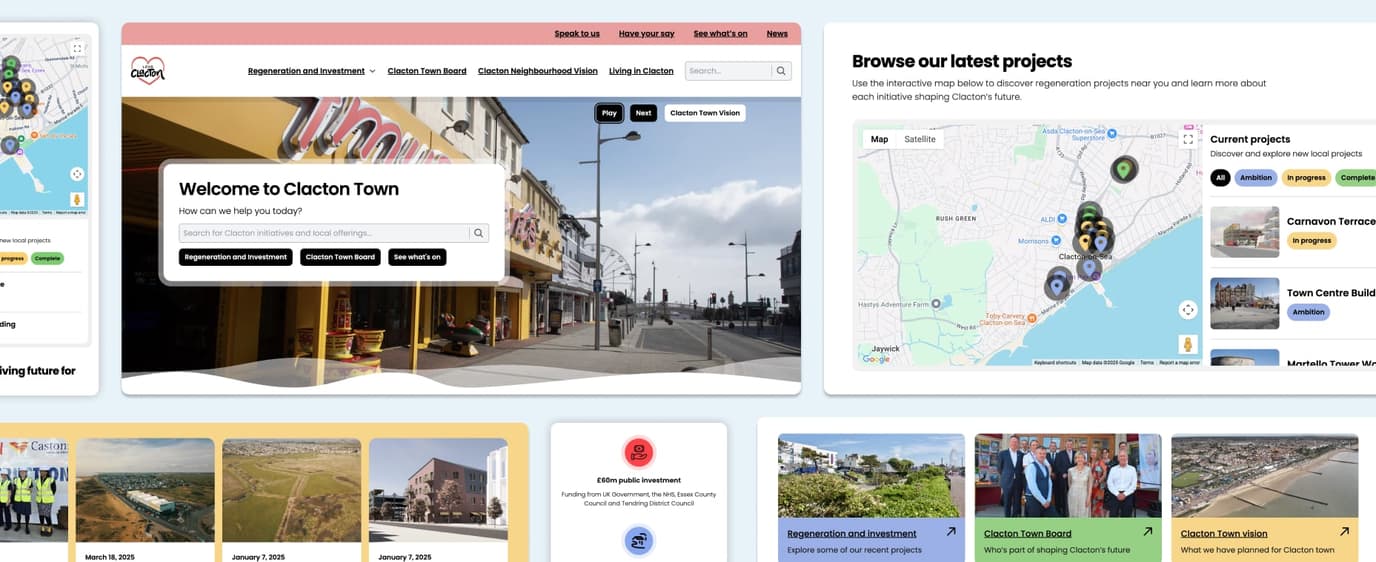
Your website was built to meet WCAG AA accessibility standards, but accessibility is an ongoing responsibility. This guide explains how small, everyday writing choices help maintain compliance as new content is added.
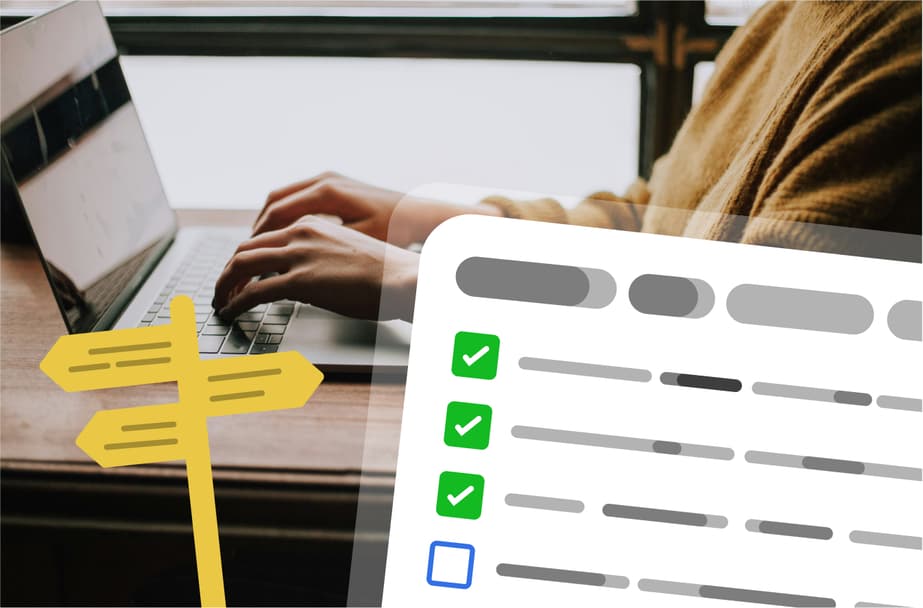
Just because you launch an accessible website, it doesn’t mean it remains that way.
If your website currently meets WCAG 2.2 AA accessibility standards, that is a strong foundation, and one worth protecting as the site evolves.
The templates and components will have been built to be accessible from the start. As new pages and content are added, the biggest factor that can affect accessibility is not the design or the code. It is the wording, structure, and links used in the content itself.
The good news is that maintaining accessibility does not require specialist knowledge or extra tools. A few simple writing habits will help you keep the same standard with very little additional effort.
If you would like support with an ongoing accessibility strategy, team training, or periodic reviews, we are always happy to provide that support.
Writing guidance for accessible content
All content blocks are already designed to meet accessibility requirements. What you control day to day is how the content is written, especially clarity and links.
The points below are the ones that make the biggest difference.
1. Use meaningful link text
Imagine someone hearing a list of links read out loud, without the surrounding paragraph. Each link should make sense on its own.
Some good examples are:
- Download the safety data sheet
- See our manufacturing process
- Contact the workshop
But please avoid:
- Click here
- Read more
- More
- This link
If you need to use wording like “read more”, make sure the sentence or heading already clearly explains what the link relates to.
2. Write clearly and concretely
Aim for language that is simple and specific.
Try to:
- Keep sentences short to medium length
- Avoid unnecessary jargon
- Avoid vague references like “this”, “it”, or “they” when the meaning is not obvious
Here’s an example. Instead of:
- When it is heated, it expands.
Instead, write:
- When steel is heated, it expands.
3. Break up long paragraphs
Shorter paragraphs help:
- Everyone scan the page more easily
- People using screen readers follow the structure
- People with cognitive impairments stay oriented
If a paragraph feels long to you, it probably is. Splitting it is almost always an improvement.
4. Be careful with instructions
Do not assume that someone is using a mouse or can see the screen layout.
Instead of:
- Click the box in the top right.
Use:
- Choose “Settings” from the options at the top of the page.
This works better for keyboard users, screen reader users, and people on different devices.
5. Writing captions and alt text for images
When writing captions or alternative text, keep it:
- Factual
- Focused on meaning
Here are a few examples:
- Workshop floor showing two plating tanks
- Diagram showing current flow through cathode and anode
If an image is purely decorative and adds no meaning, mark it as decorative.
6. A quick check before publishing
These three questions catch most accessibility issues:
- Would this still make sense if someone could not see the page?
- Would this still make sense if someone heard it out of context?
- Does every link describe where it goes?
If the answer is yes to all three, you should still be accessible and allowing everyone to take in the content, however they do this.
In summary
Websites that are compliant at launch can easily become non-compliant over time. For anyone adding content, an easy guide or checklist helps ensure accessibility is maintained as the site evolves, without adding unnecessary complexity or slowing teams down. Small, consistent writing decisions make the biggest difference and protect the work already invested in building an accessible website.